> For the complete documentation index, see [llms.txt](https://yagsl.yassrobotics.com/llms.txt). Markdown versions of documentation pages are available by appending `.md` to page URLs; this page is available as [Markdown](https://yagsl.yassrobotics.com/tutorial/04-verify-and-calibrate-hardware.md).

# Verify and calibrate your hardware

Before your first drive, confirm every sensor and motor reports direction consistently, and capture each module's absolute encoder offset. Skipping this step is the single most common cause of a swerve drive that "spins out" or drives in the wrong direction.

{% hint style="danger" %}
Make sure every CAN ID is unique across your entire robot. A known failure mode: if a SparkMAX shares a CAN ID with your REV Power Distribution Hub, the SparkMAX simply won't move — with no obvious error.
{% endhint %}

## Physically label everything

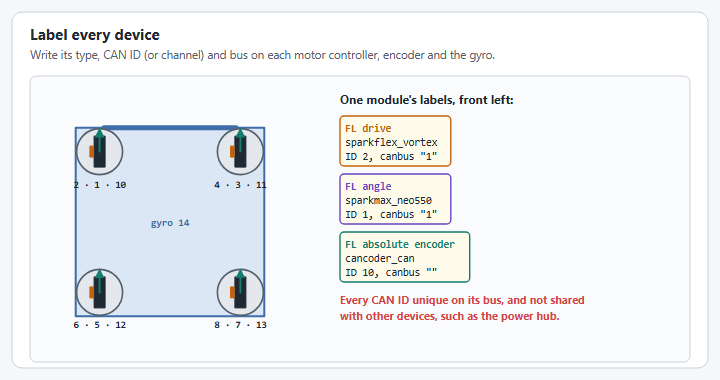
Label each motor controller, encoder, and gyroscope with its CAN ID/channel and connection type before you start. This is the easiest step to get wrong and the hardest mistake to spot afterward.

## Check your gyroscope

* **Front is whatever the gyroscope reports as `0`.** Pick a front, and expect that you may need to change it later if it turns out to be inconvenient.
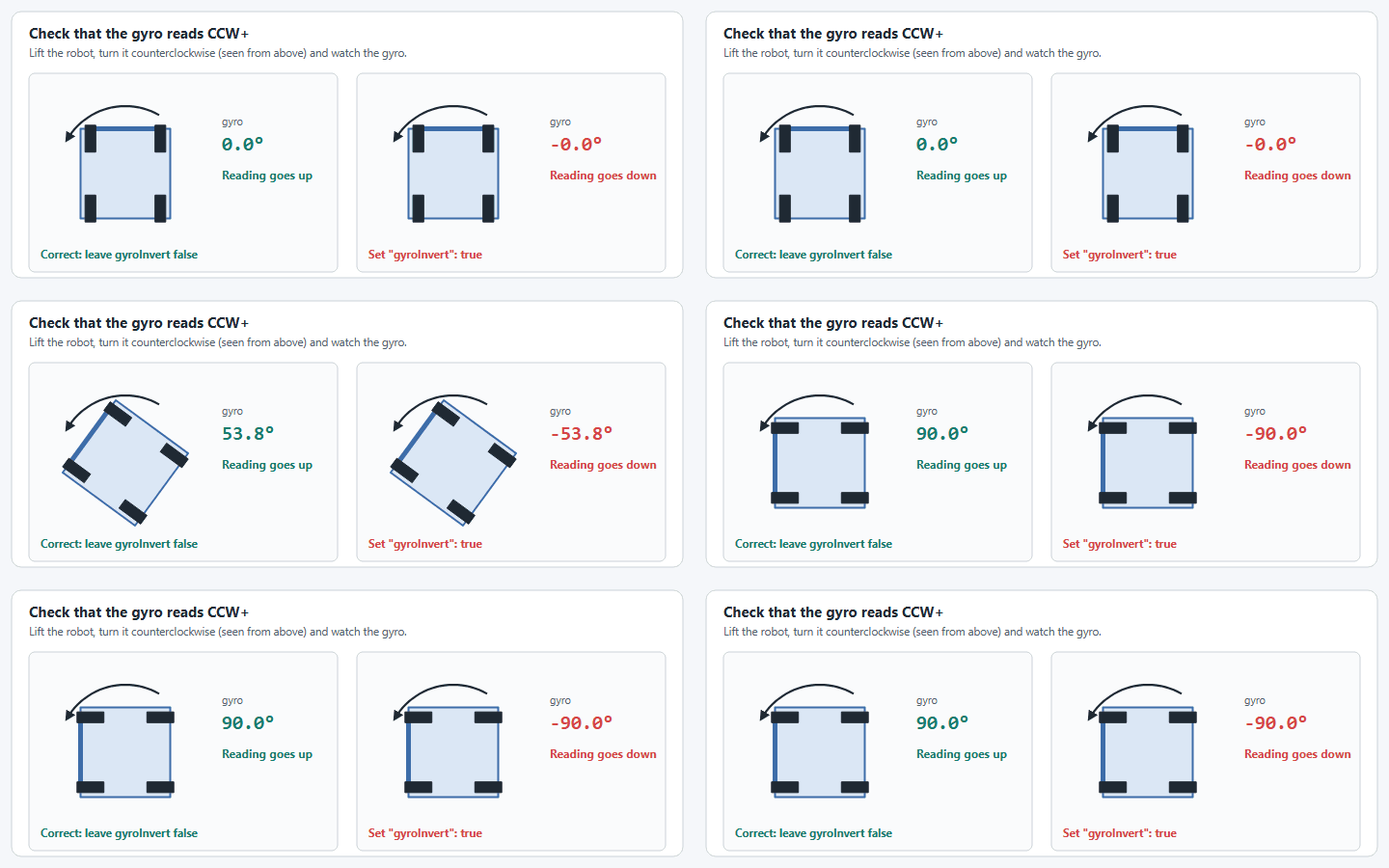
* The gyroscope must report **increasing yaw while the robot rotates counterclockwise**. If it doesn't, invert it.
* If you're using a NavX, recalibrate it once it arrives at your shop — NavX units ship calibrated to the humidity of their factory, not your build space. Recalibrate again periodically, especially at competition.

## Check your motors

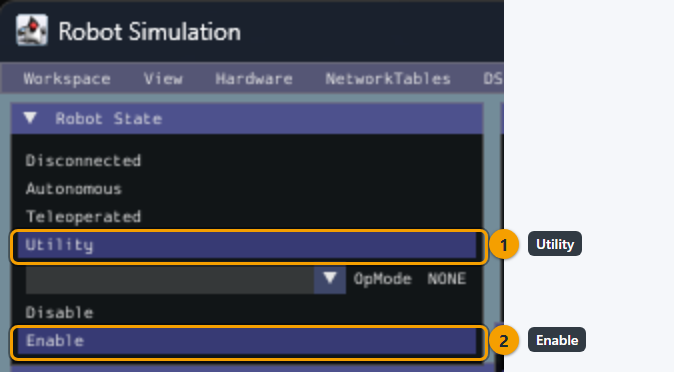
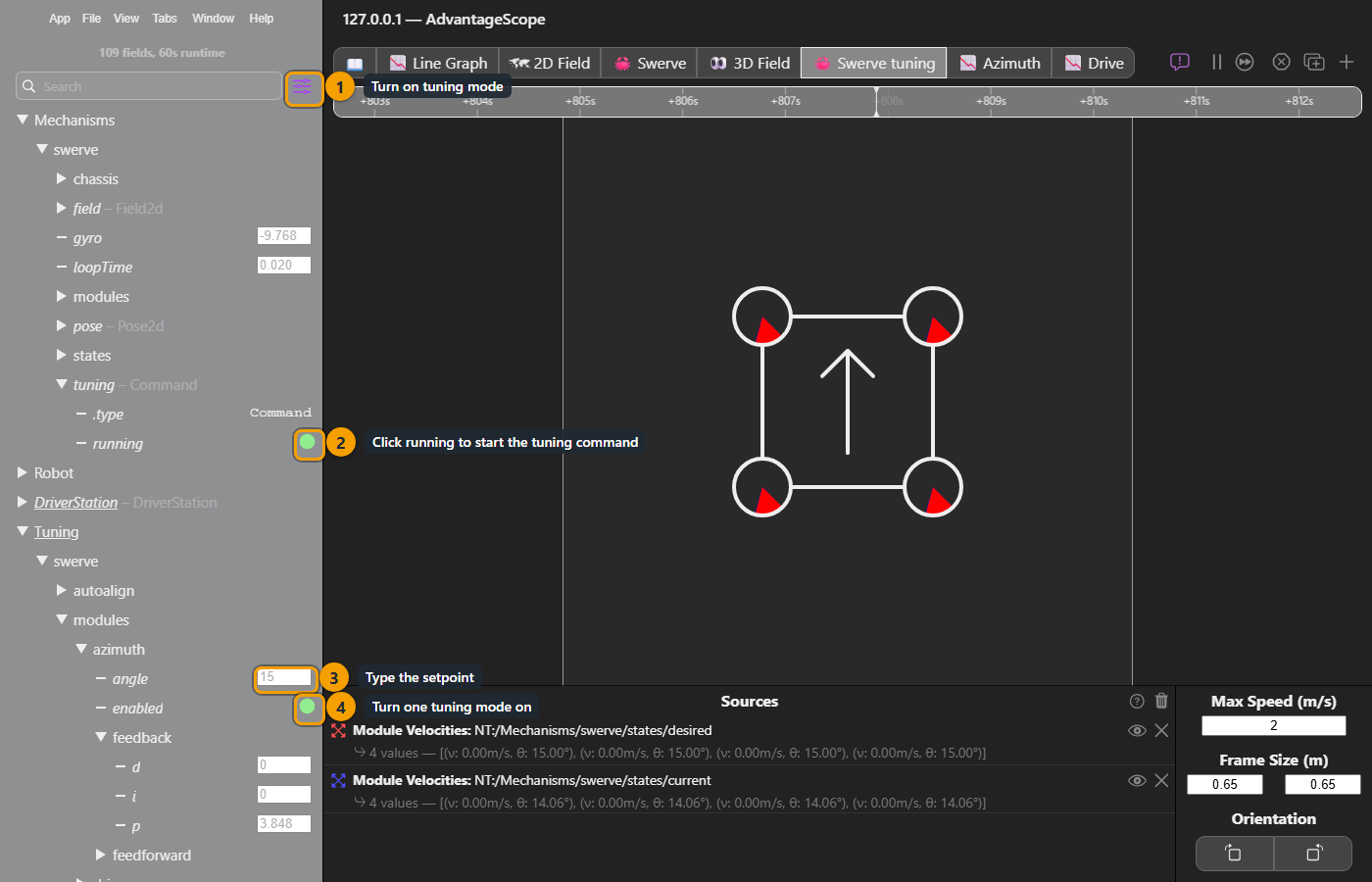
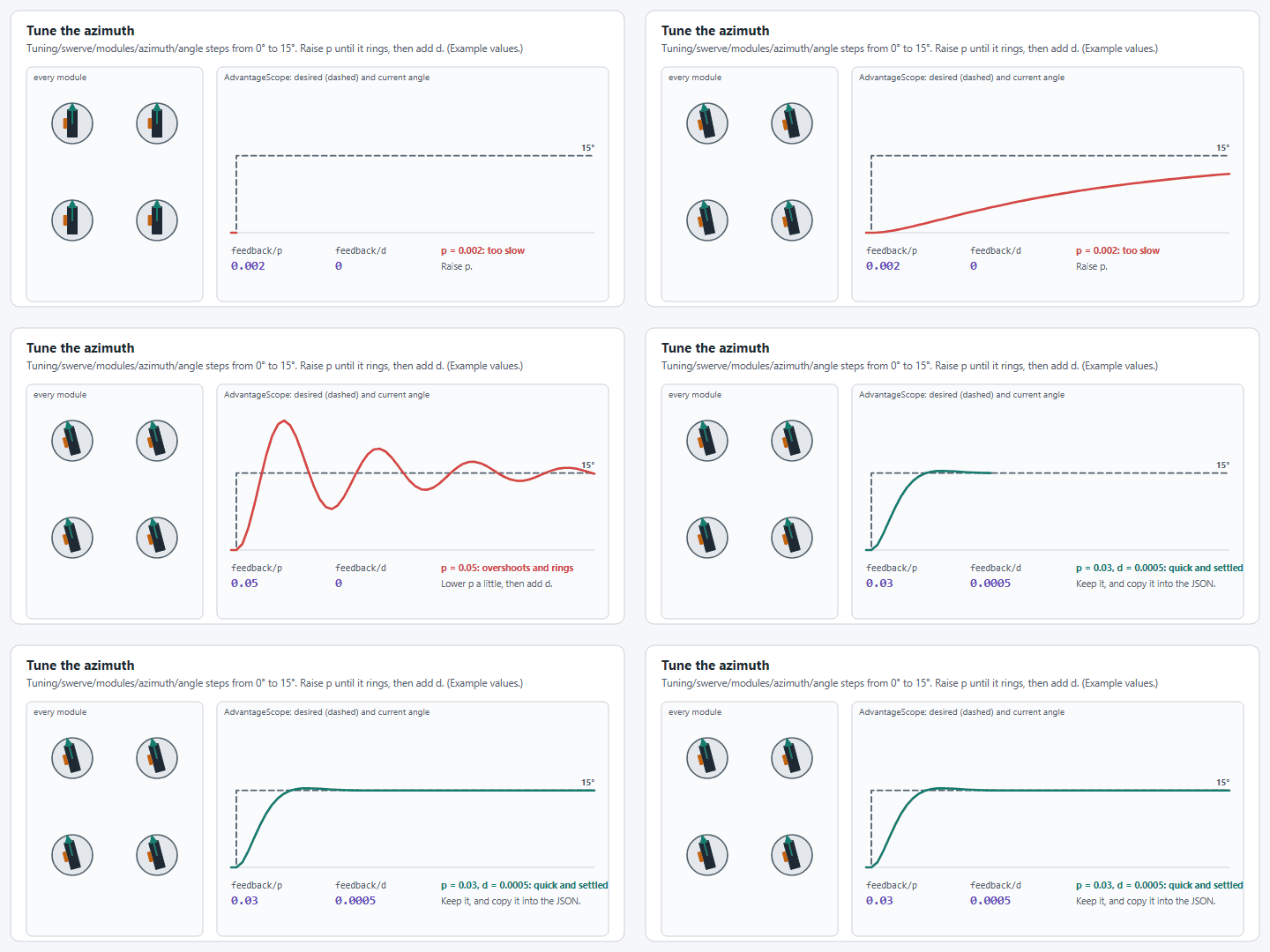
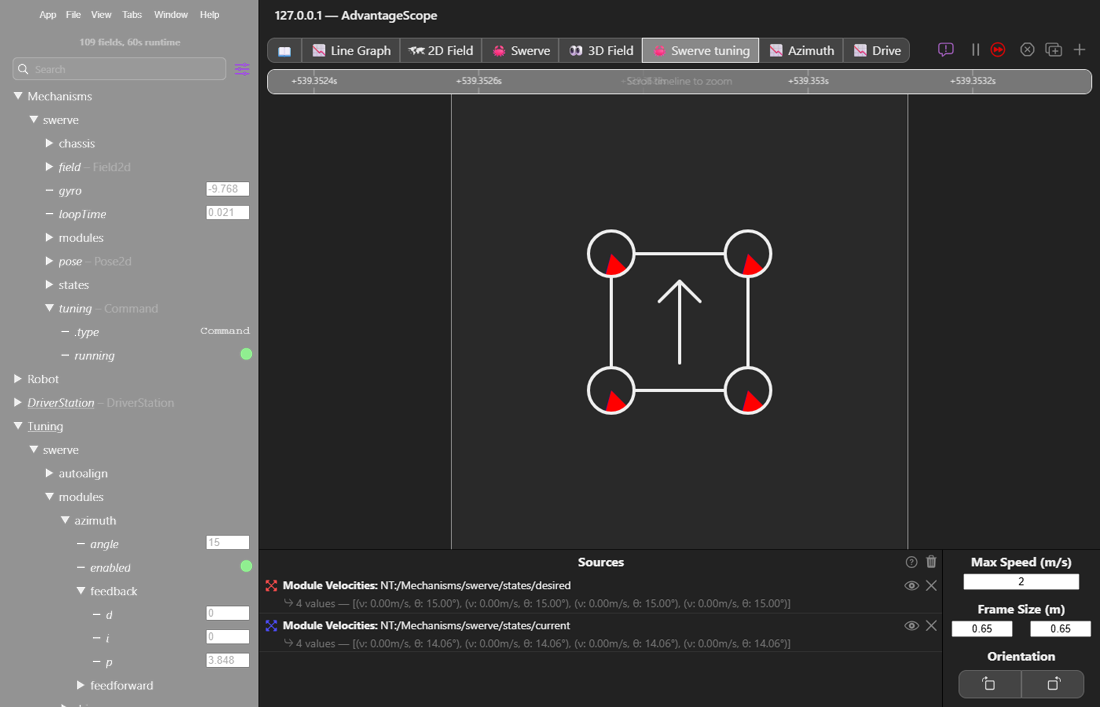
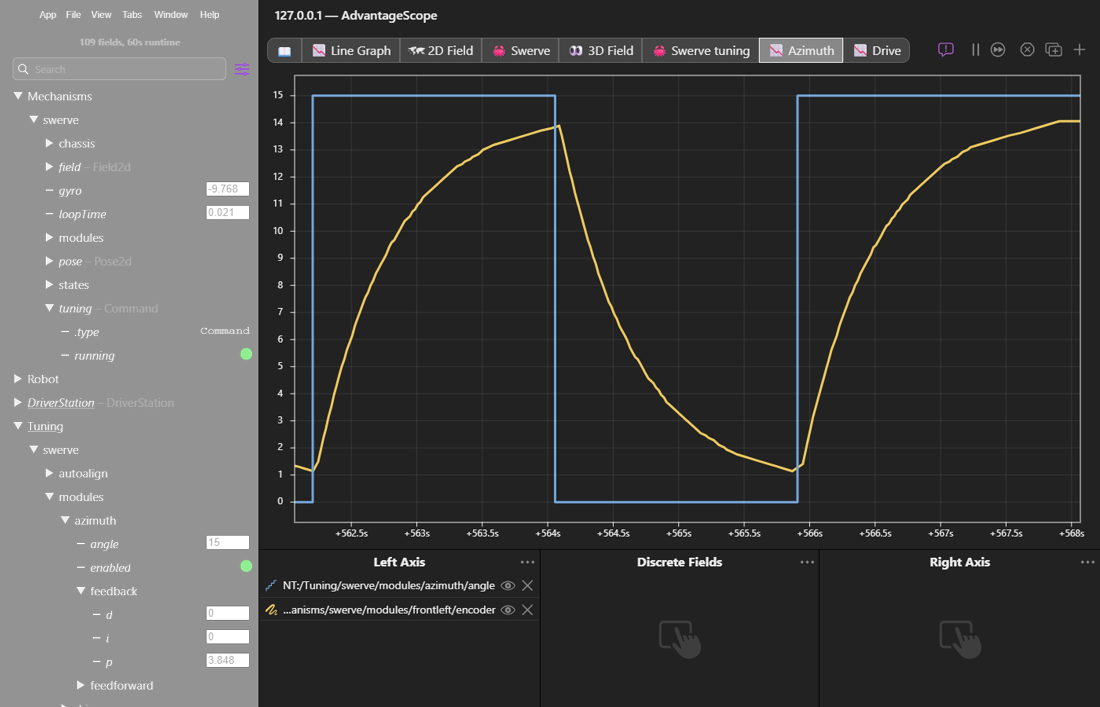
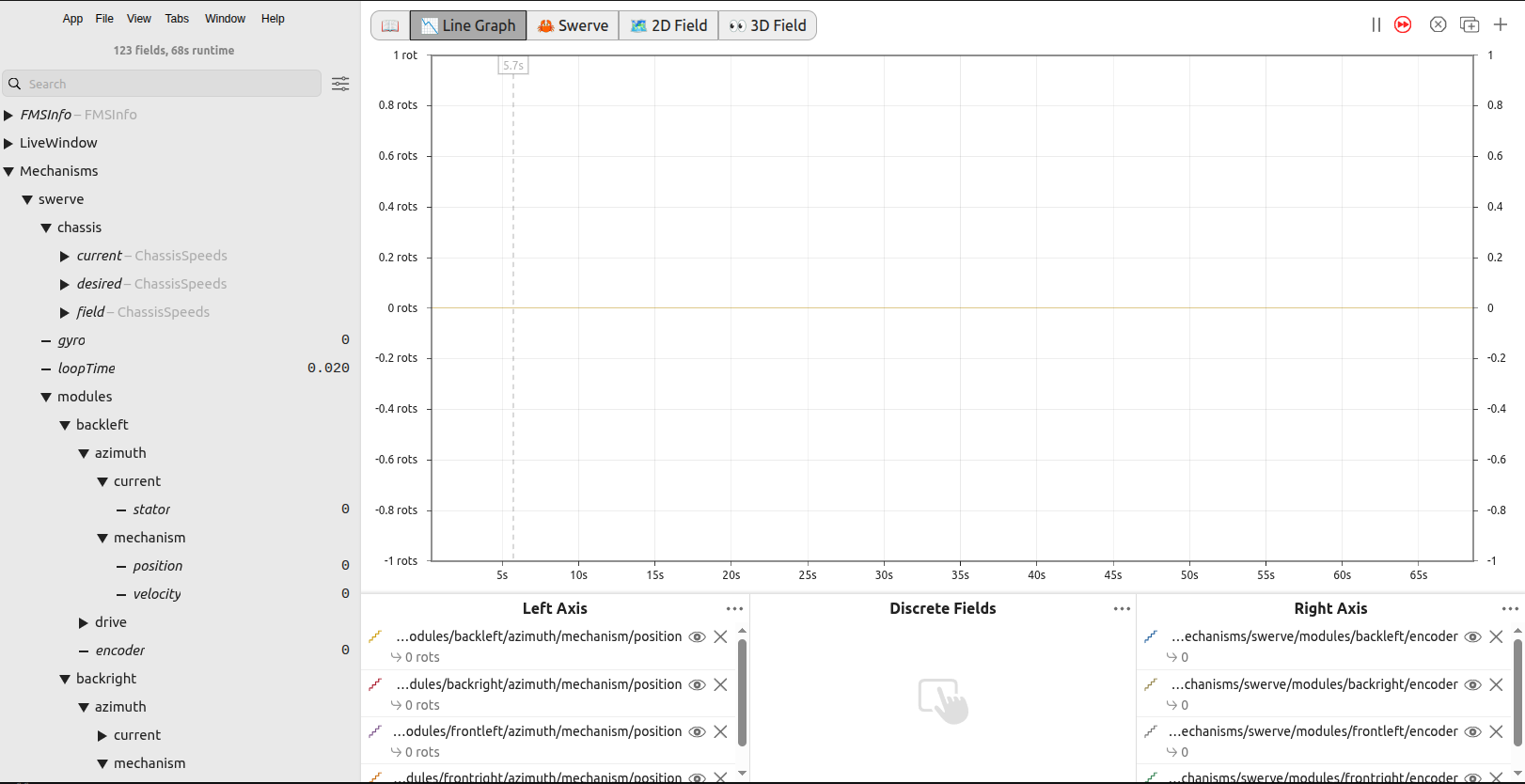
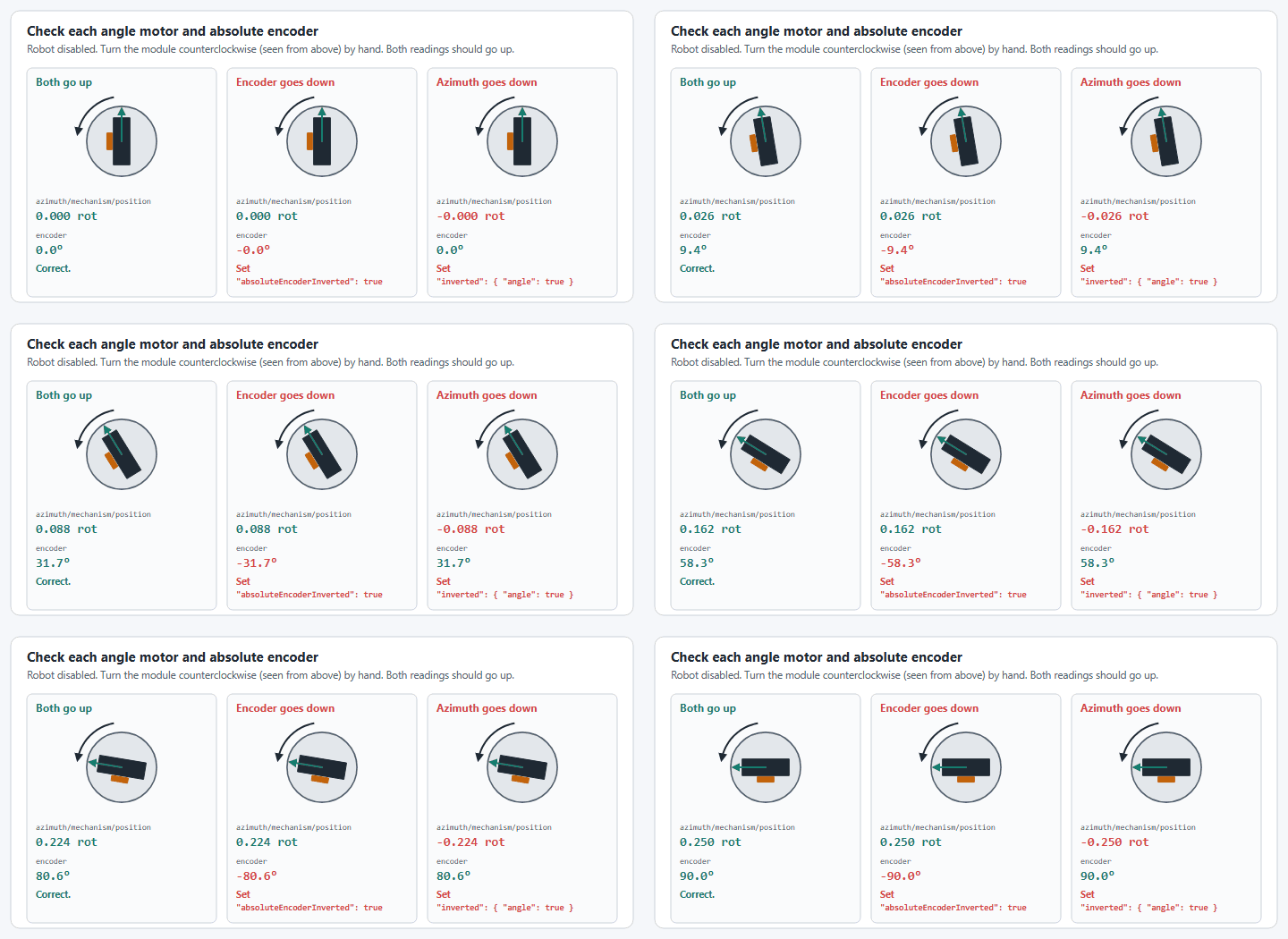
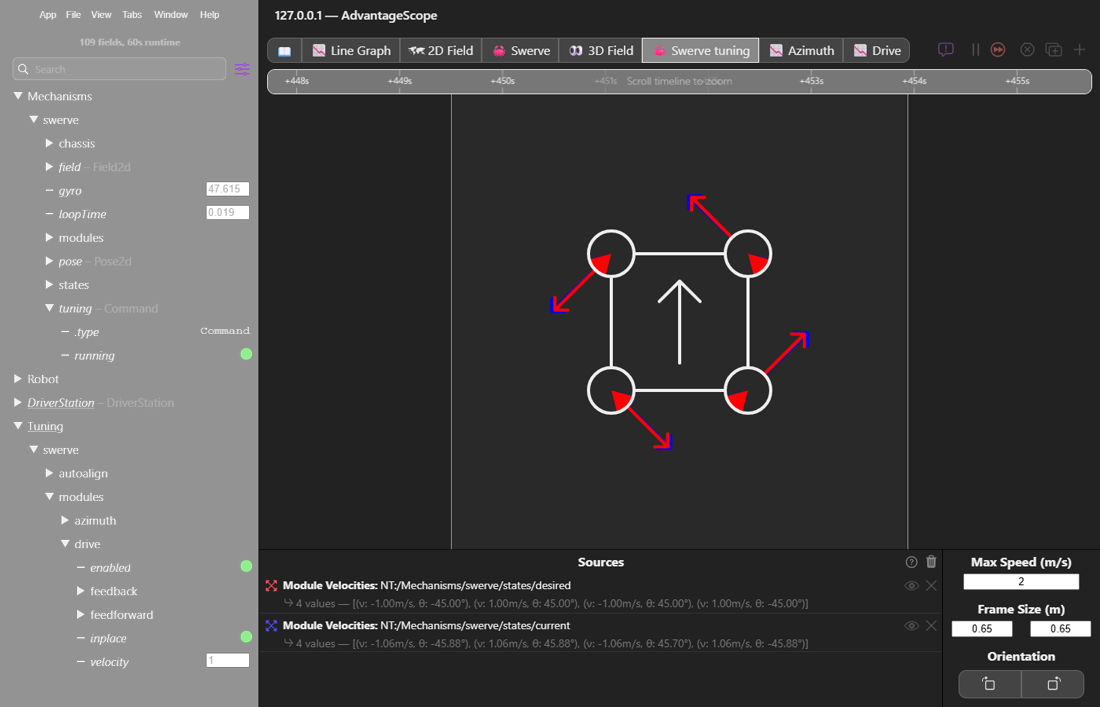
Deploy your code with the config from step 3, then — **with the robot disabled** — spin each motor by hand and watch AdvantageScope's `Mechanisms/swerve` NetworkTables tree.

<figure><img src="/files/m3IU5y59zCRLgOKphmHu" alt=""><figcaption><p>The Mechanisms/swerve tree in AdvantageScope — each module's drive/azimuth telemetry and raw absolute encoder are visible per-module.</p></figcaption></figure>

* Rotate the **drive** wheel forward (CCW as viewed from above). That module's `modules/<name>/drive/mechanism/position` should **increase**. If it doesn't, invert the drive motor.
* Rotate the **angle** mechanism CCW (viewed from above). Both `modules/<name>/azimuth/mechanism/position` (relative) and `modules/<name>/encoder` (absolute) should **increase**. If either doesn't, invert that motor or encoder respectively.
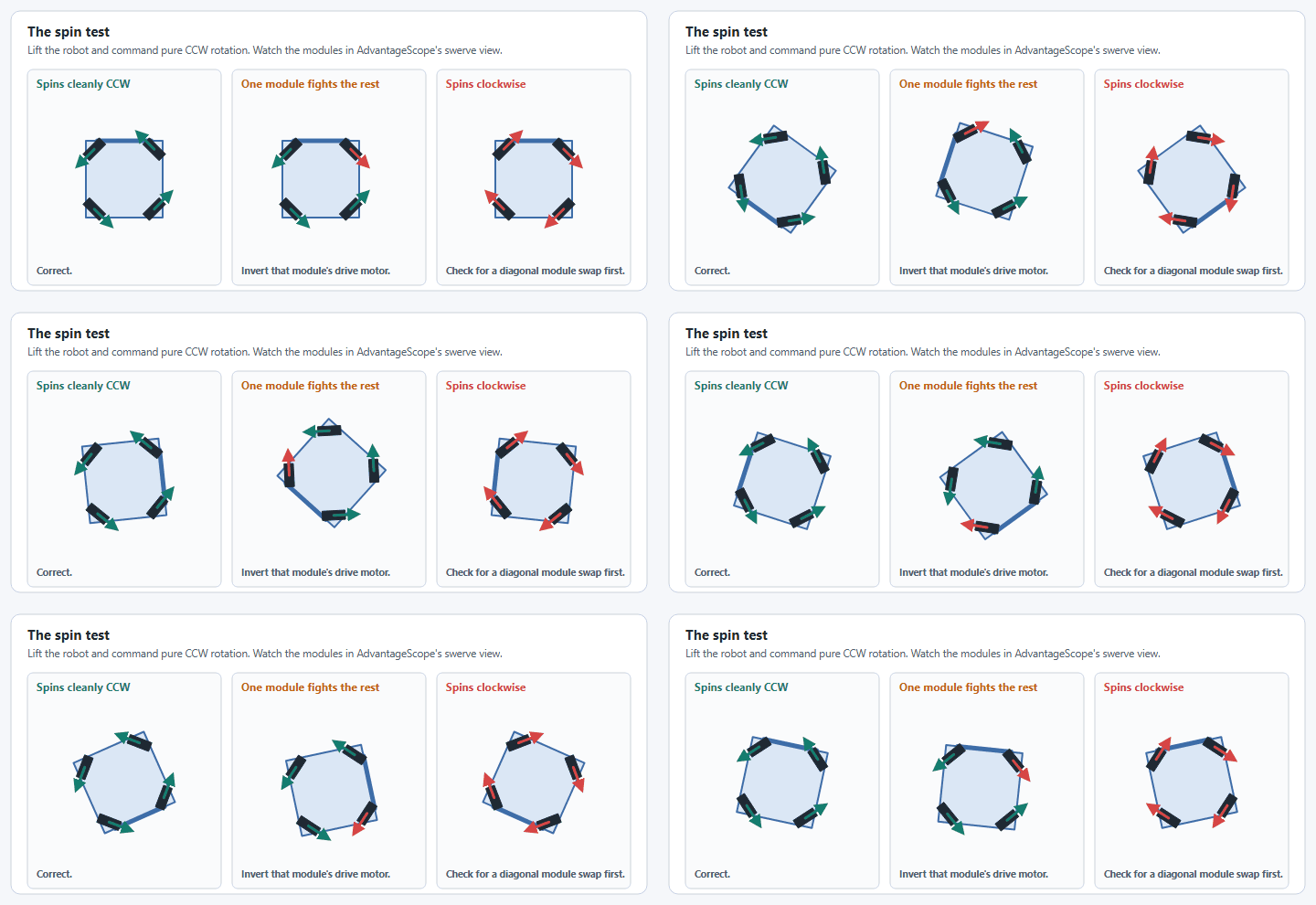
* Rotate the entire **robot** CCW. `Mechanisms/swerve/gyro` should **increase**. If not, invert the gyroscope.

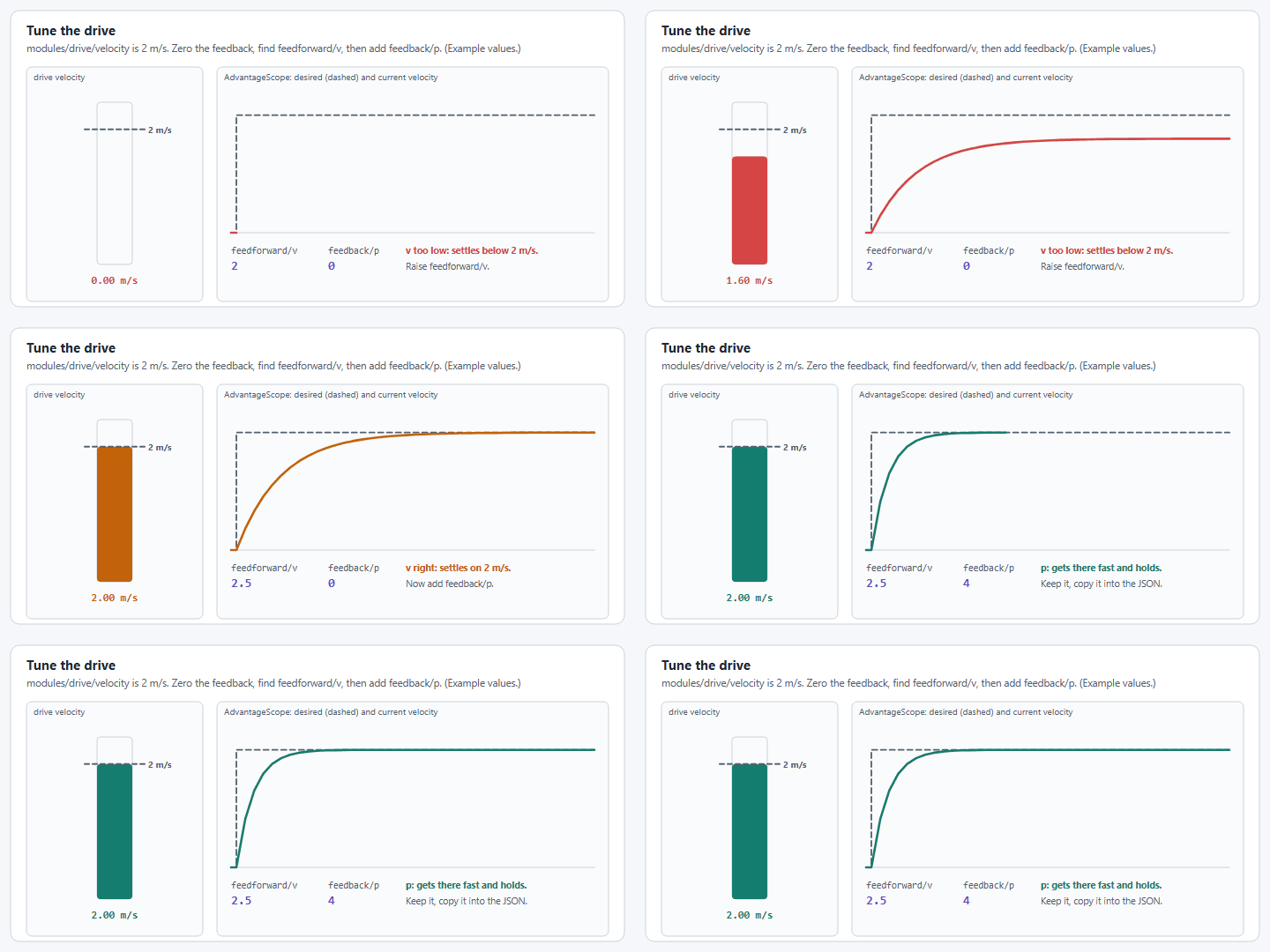
See [Determine Inversion](/how-to-guides/determine-inversion.md) for the full decision procedure if any of these don't behave as expected — or work through [config.yagsl.com/guide](https://config.yagsl.com/guide), which walks through this same alignment process interactively.

{% hint style="warning" %}
If you're using a hardware vendor client to poke at motors/encoders directly, the roboRIO must not be active on the CAN bus at the same time. The most reliable way to do this without disturbing CAN bus termination is to briefly pull the roboRIO's breaker/fuse on the PDP, then power-cycle the robot.
{% endhint %}

## Capture absolute encoder offsets

The absolute encoder offset is what lets your swerve module remember wheel orientation across power cycles — it's essential to a functioning swerve drive.

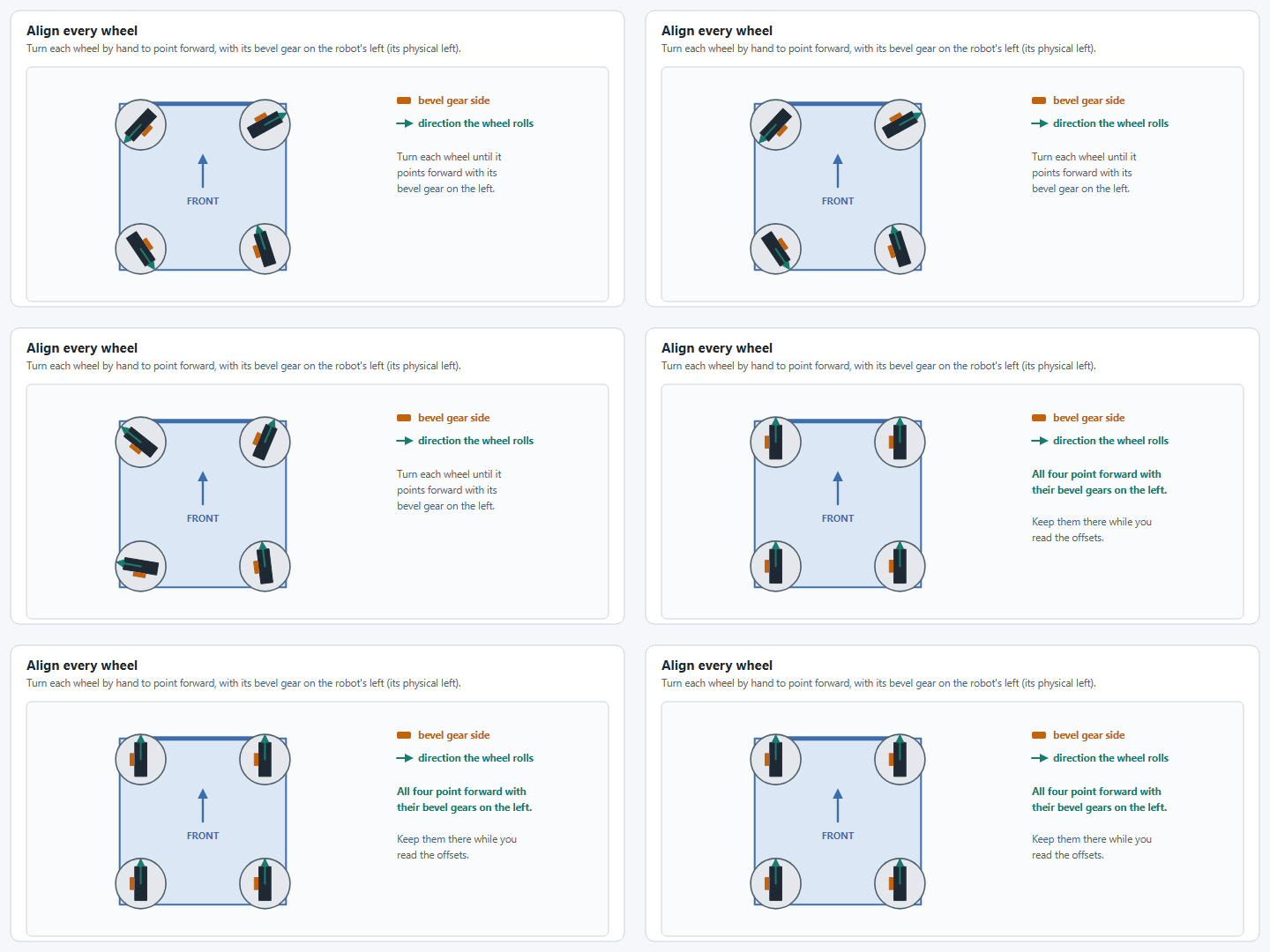
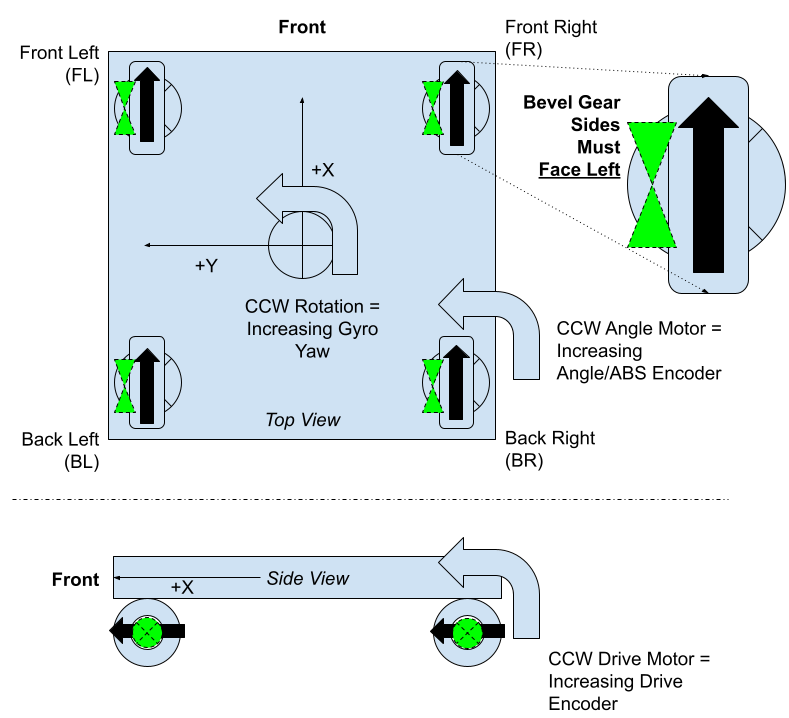
1. Manually rotate all four wheels so they point in the same direction — bevel gears facing left, as in the diagram below — and forward rotation increases the drive encoder.

<figure><img src="/files/mI3Vo1gWfvt34By0CQQR" alt=""><figcaption><p>The left and right are physical left and right.</p></figcaption></figure>

2. With the robot still disabled, open AdvantageScope and read each module's `Mechanisms/swerve/modules/<name>/encoder` value while it's held in that aligned position.
3. Enter each value as that module's absolute encoder offset — either back in the [config generator](https://config.yagsl.com) (recommended: upload your existing config, update the four offset fields, and re-download) or directly in `absoluteEncoderOffset` in the module's JSON file.

{% hint style="warning" %}
**Special note for MAXSwerve teams:** after aligning the wheels, you may need to add or subtract `90` from the measured offset to get the module pointing truly forward, and set `absoluteEncoderInverted` to `true`. This is a quirk of how MAXSwerve mounts its absolute encoder, not a bug in your measurement.
{% endhint %}

Once every module reports correctly and has a captured offset, move on to [deploying and driving](/tutorial/05-deploy-and-drive.md).


---

# Agent Instructions
This documentation is published with GitBook. GitBook is the documentation platform designed so that both humans and AI agents can read, navigate, and reason over technical content effectively. Learn more at gitbook.com.

## Querying This Documentation
If you need additional information that is not directly available in this page, you can query the documentation dynamically by asking a question.

Perform an HTTP GET request on the current page URL with the `ask` query parameter, and the optional `goal` query parameter:

```
GET https://yagsl.yassrobotics.com/tutorial/04-verify-and-calibrate-hardware.md?ask=<question>&goal=<endgoal>
```

`ask` is the immediate question: it should be specific, self-contained, and written in natural language.
`goal` is optional and describes the broader end goal you are ultimately trying to accomplish on behalf of the user. GitBook uses it to tailor the answer towards what is most useful for that goal.

The response will contain a direct answer to the question and relevant excerpts and sources from the documentation.

Use this mechanism when the answer is not explicitly present in the current page, you need clarification or additional context, or you want to retrieve related documentation sections.